Connect every account
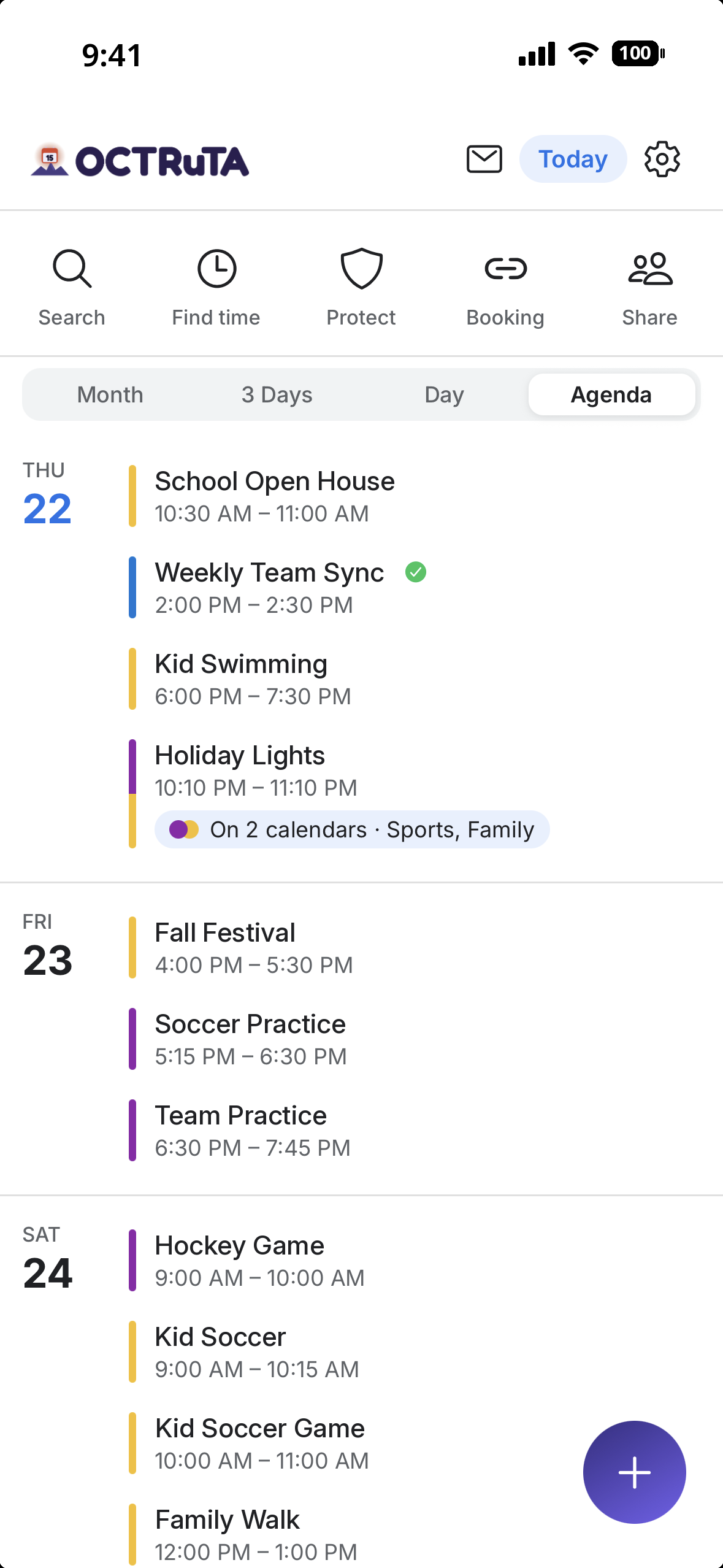
Google, Microsoft Outlook, iCloud via CalDAV, and the calendars already on your iPhone. Add as many as you like.
Work, personal and family calendars in one view, plus booking links that check your personal calendars too, not just your work one.
Works with
Google CalendarMicrosoft OutlookiCloud (CalDAV)ExchangeiPhone calendarsAny iCal feedThe unified view
Before
After OCTRuTA
What's in the free app
Everything you need to merge every calendar you own into one trustworthy view — at no cost.
Unified view
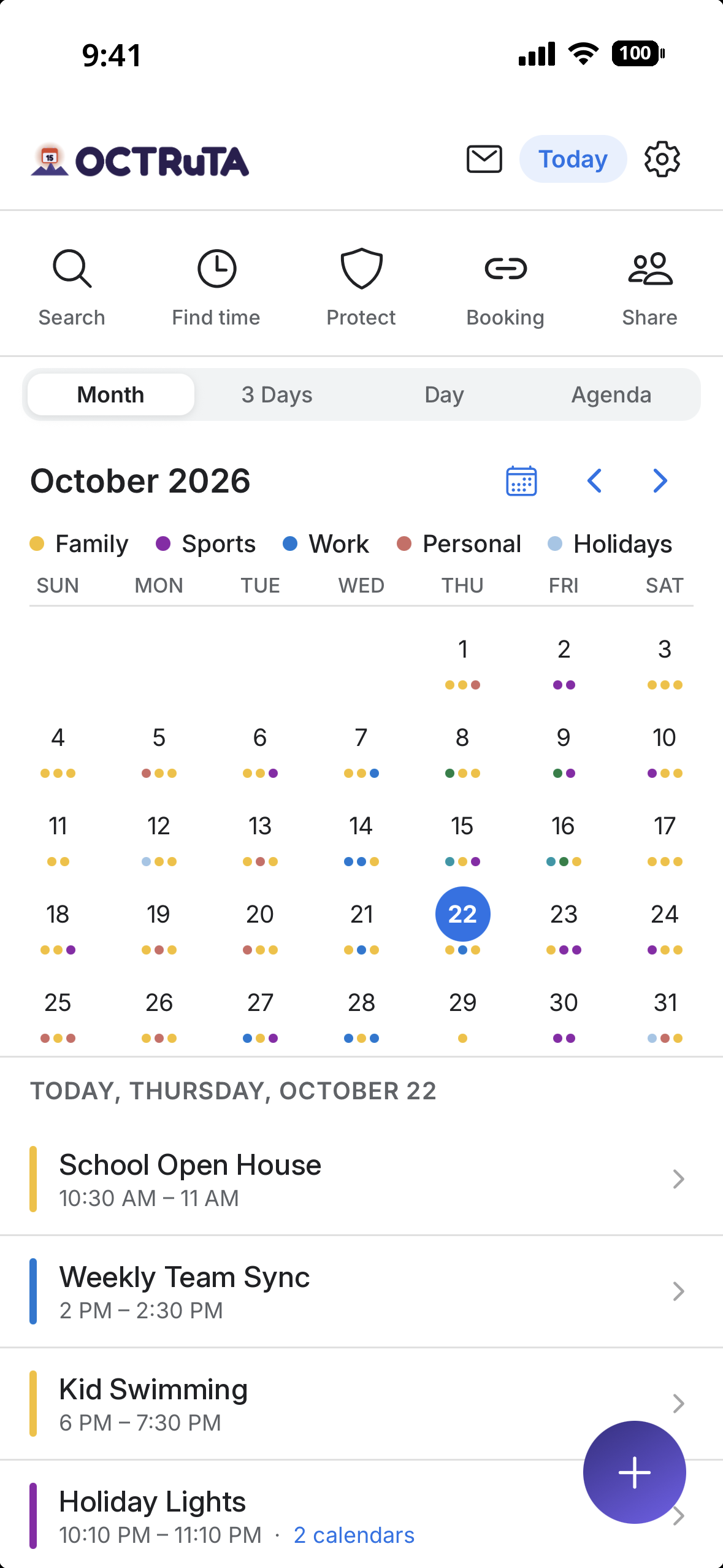
Connect as many accounts as you like and see them on a single timeline — no more app-switching to figure out when you're actually free.
Google, Microsoft Outlook, iCloud via CalDAV, and the calendars already on your iPhone. Add as many as you like.
Pull in any private iCal or webcal feed, like a school, team or league calendar.
Work, personal, and family calendars merged into a single view you can actually trust.
Every event keeps its source color so you can tell work from personal at a glance.
Show or hide any calendar with a tap to focus on just what matters right now.
Zoom from the next hour to the whole month with the view that fits the moment.
The same meeting on two calendars shows once, labeled with both. You can turn this off.
Find any event by title, location or notes across all your calendars.
Powerful editing

Make changes on any calendar that allows edits, and they sync back automatically.
See invitees' free/busy as you schedule, where their calendar provider shares it.
Daily, weekly, monthly, or your own custom repeat schedule.
Locations, notes, attendees, invitations, and RSVPs — all in one place.
Attach the agenda, ticket or directions to the event they belong to (up to 10 MB each).
Add a Teams or Google Meet link in a tap.
Events show in correct local time and stay correct when you travel.
Set one or more custom alerts per event so nothing slips through.
Calendar invitations, booking changes and sharing requests in one place. Accept or decline in a tap.
Anywhere access
Your events are cached on your iPhone, so you can check your day without a connection.
Next Event, Today's Agenda and Week Overview widgets show what's next without opening the app.
Your setup and preferences follow your account.
Match OCTRuTA to your phone and your mood.
When someone shares a calendar with you, it appears alongside yours. Viewing shared calendars is free.
No ads, no data selling. A lightweight attribution SDK shows us which campaigns bring people to the app, nothing more. Calendar credentials are encrypted.
How it works
Sign in to Google or Microsoft, connect iCloud, or use the calendars already on your iPhone.
Block focus and family time, then let Find Time show what's actually free.
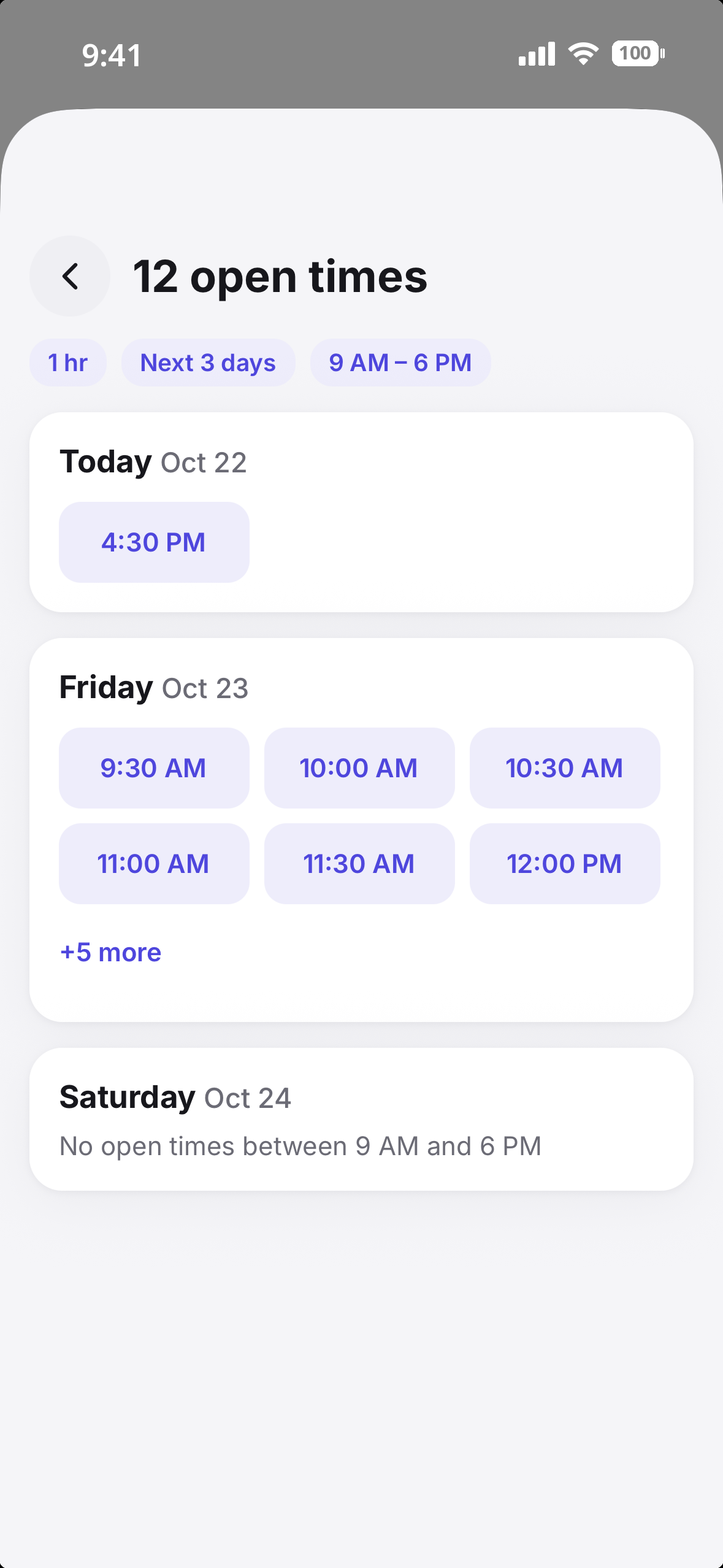
Send a single URL. Guests pick a slot in their timezone, held for 10 minutes.
A look inside
From a unified month view to search, focus blocks, booking links, and connected accounts — here's what the whole experience looks like on your phone.
Swipe to explore →
OCTRuTA Pro
The free version organizes your time. Pro protects it — and lets the right people book the gaps.
For anyone who wants one unified view.
forever
Everything in Free, plus scheduling tools.
or $39.99/year
Try it free for 1 month.
Free trial for new subscribers. Renews automatically unless cancelled.
What you get
Free
Pro
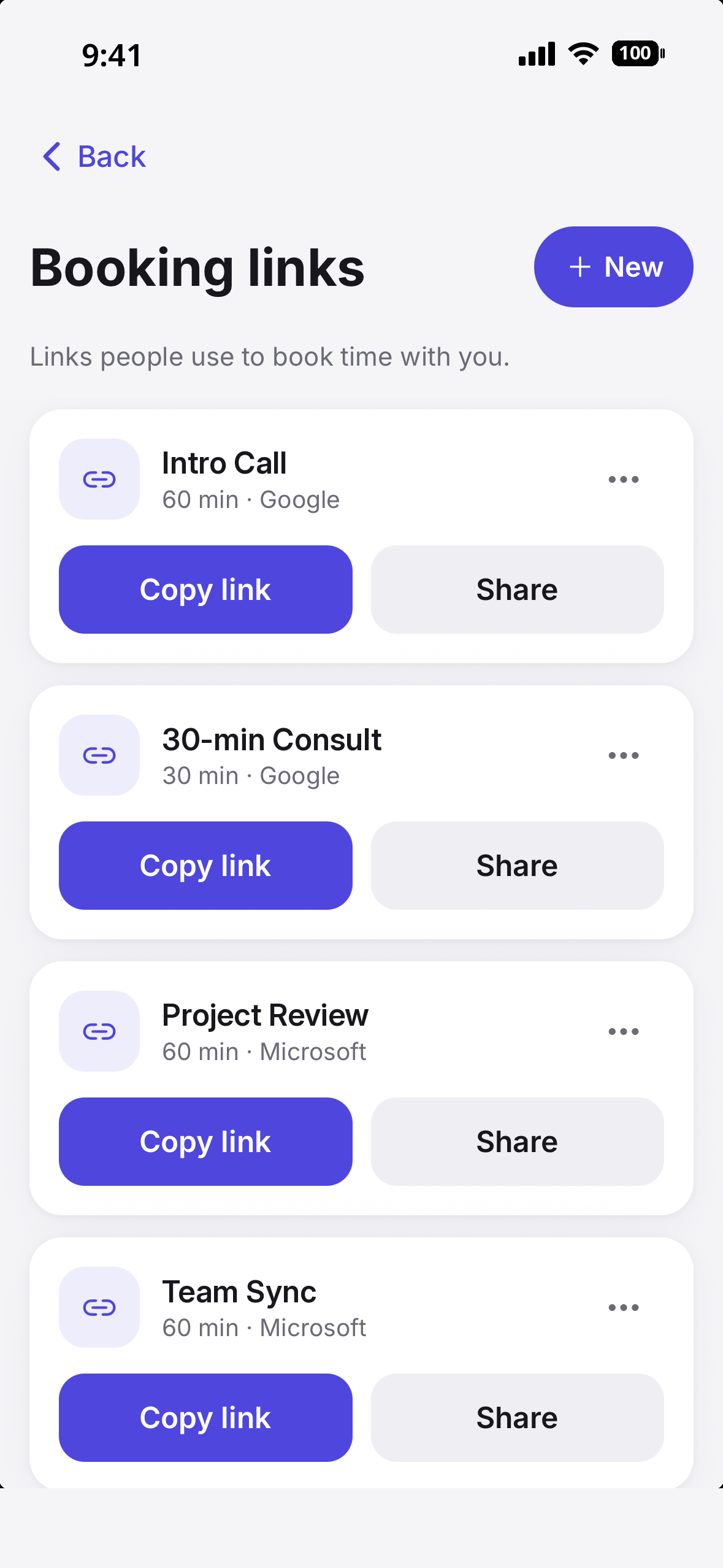
Booking Links
Shareable booking links
Send a link and let people pick a time that actually works.
Checks the calendars you choose
Google, Outlook, iCloud (CalDAV) and iCal feeds are checked live, so you're never double-booked between work and personal. Pick which calendars each link checks.
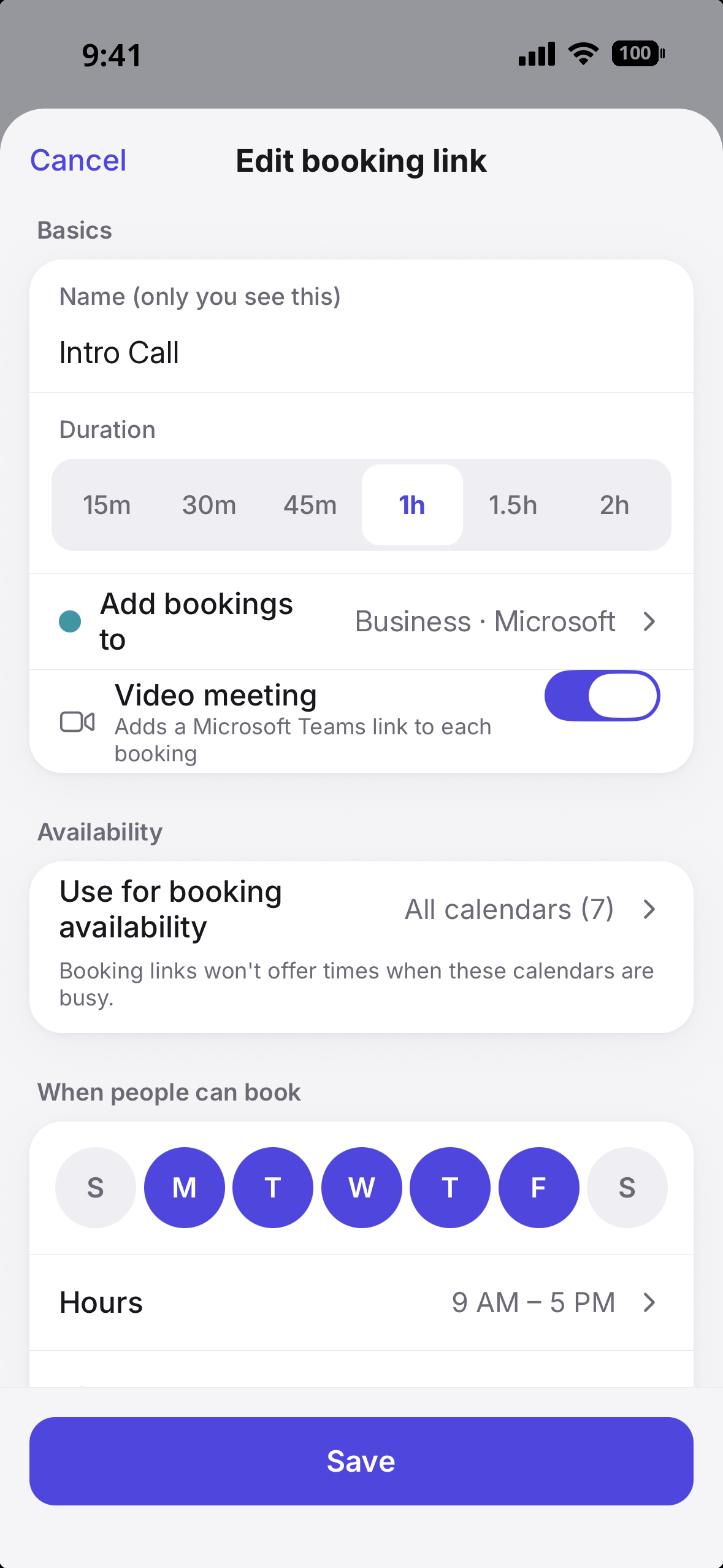
Choose where bookings land
Pick the Google or Outlook calendar new bookings are added to.
Set your own rules
Meeting length, buffer time, available days and hours, minimum notice, and a daily limit.
Ask bookers questions
Add up to five questions, required or optional.
Bookers can reschedule or cancel
They can change their booking up to a cutoff you set.
Video meeting included
Turn it on and a Google Meet or Teams link is added to every booking.
Bookers see their own time zone
They pick a slot in local time; it lands correctly on your calendar.
Calendars that live only on your iPhone aren't checked by booking links. Connect iCloud with CalDAV to include it.
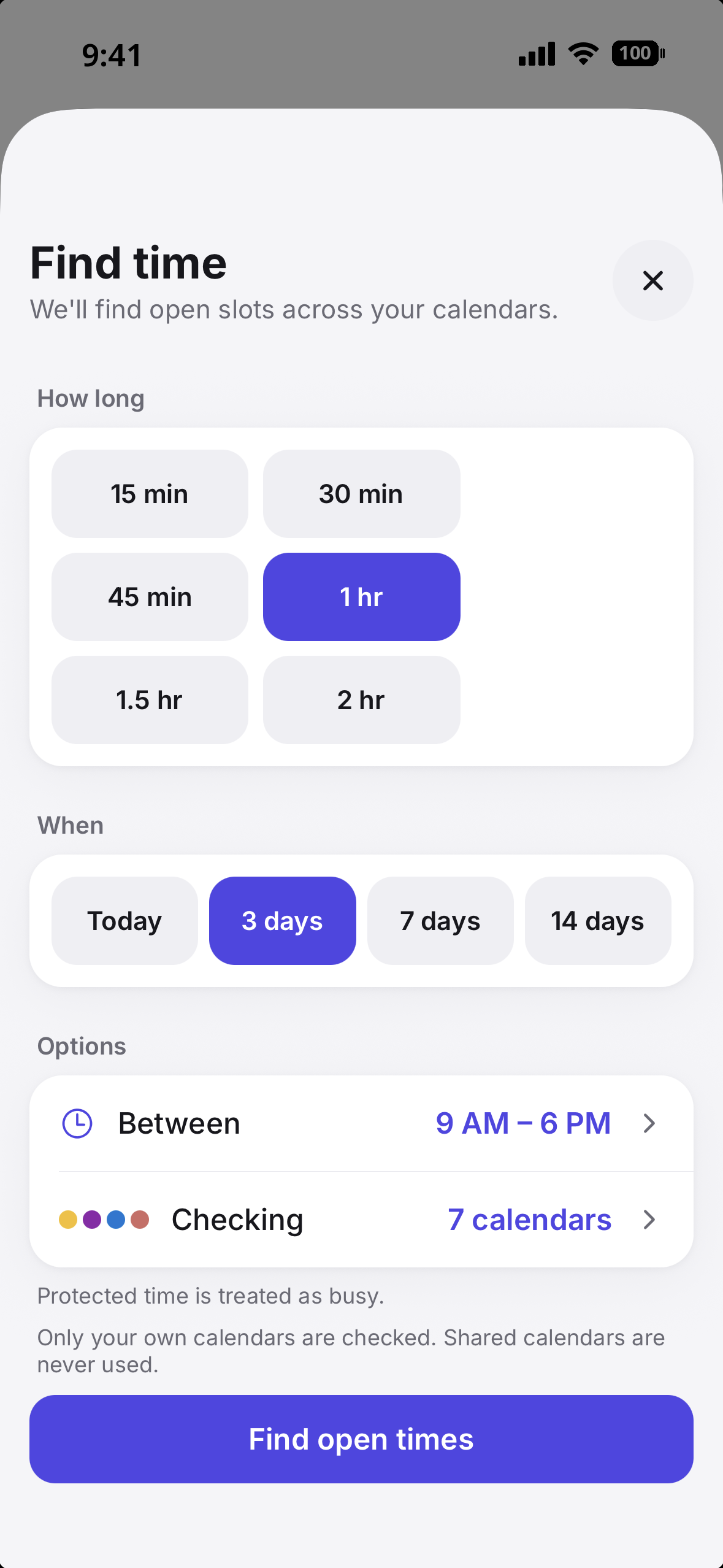
Find a Time
Find a time, instantly
Tell OCTRuTA how long you need and when, and it scans your calendars for open slots.
Respects protected time
Your protected blocks count as busy, so Find Time never suggests them.
Sensible suggestions only
Respects preferred hours and leaves breathing room. No 6 a.m. slots, no back-to-back jams.
One tap to schedule
Pick a suggested slot and OCTRuTA creates the event for you.
Protected Time
Protect your personal time
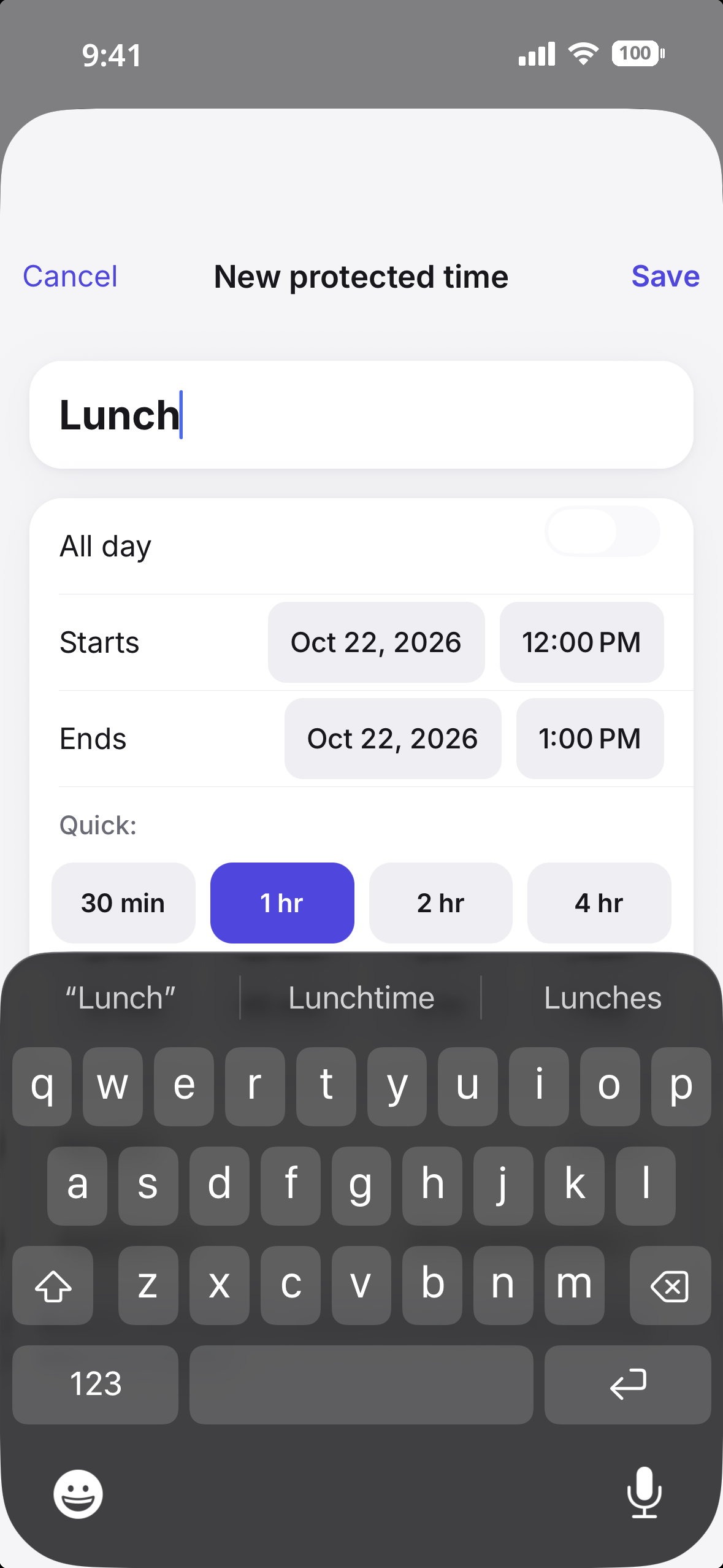
A workout, family dinner, focus block — booking links treat it as busy.
Recurring protection
Protect time that repeats, like a standing weekly workout or every evening with family.
Control which links it affects
Hide it from your work link while keeping it bookable on a personal one — or block them all.
See it at a glance
Protected time is visually distinct on your calendar, so you always know what's yours.
Undo anytime
Remove protection whenever plans change and free that time back up.
Calendar Sharing
Share with people you trust
Invite someone and share any of your Google, Outlook or iCal calendars with them.
Availability or full details
Choose per calendar. Private events always show as busy only.
Read-only, always
They can see, never edit. Stop sharing anytime.
Free to receive
The person you share with doesn't need Pro.
Free to start. Try Pro free for 1 month, then $4.99/mo or $39.99/year.
Private by design
Calendar logins and private feed links are encrypted at rest. We never see your Google or Microsoft password.
We don't run ads and we don't sell data. Our only tracking is install attribution — knowing which campaign led you to us — never ad targeting or profiling.
Events are cached on your iPhone for speed. Booking links store only busy times, never event titles or details.
FAQ